Your Website Should Explain. Your Videos Should Convince.
Helping Brands Win Before the Sales Meeting Begins.
Making Businesses Easier to Understand Since 1993.
From Factory Floors to Boardrooms, We Simplify Complexity.
Where Technical Understanding Meets Visual Storytelling.
Communication Designed for Modern Buyer Journeys.
Because Trust Is the New Currency.
10 Tips on How to Shoot Testimonies on Smartphones
Testimony, Testimonial, Byte, Sound Byte, Sound Bite, Interview, Question Answer shoot are different names as we call them is an important type of corporate video that is often used by organizations where the speaker or the video spokesperson testifies the subject on which speaks. It is an important tool to prove that the speaker vouches or endorses the subject.
In a corporate scenario, testimony shoot is common and executives and senior management keep doing them all the time for the press, media, PR, or to address the employees and other stakeholders. To keep up the brand image, often professional video agencies are hired, with expensive professional cameras, lighting, and audio setup. Sometimes even multiple angles are shot along with hiring a makeup artist. Very often we also use a teleprompter, that assists the speaker speak flawlessly
without forgetting any point.
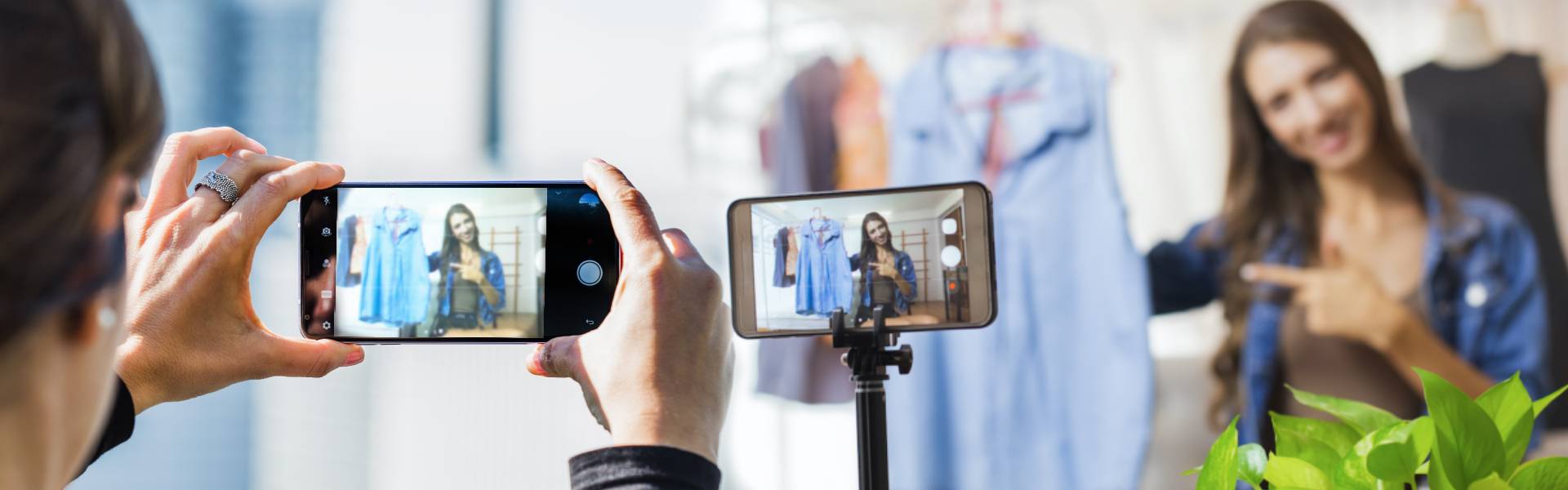
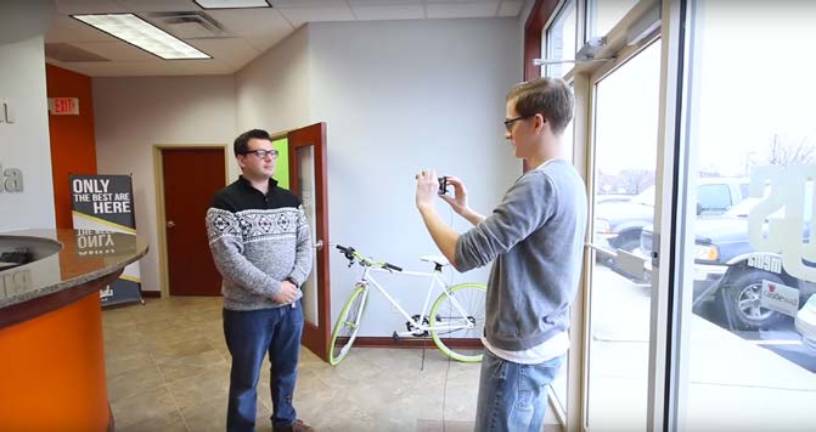
However, there are scenarios, when hiring a professional video agency is not possible. For instance, during these COVID times or when the speaker is in a remote location with no access to a pro team. Fortunately, there are ways in which we can get decent results from your existing smartphone camera. While the professional camera is the best, the make-shift smartphone camera can be quite useful. The results are often not bad so long as they are shot with some directives in mind.
Setting up the Camera Resolution on Your Smartphone
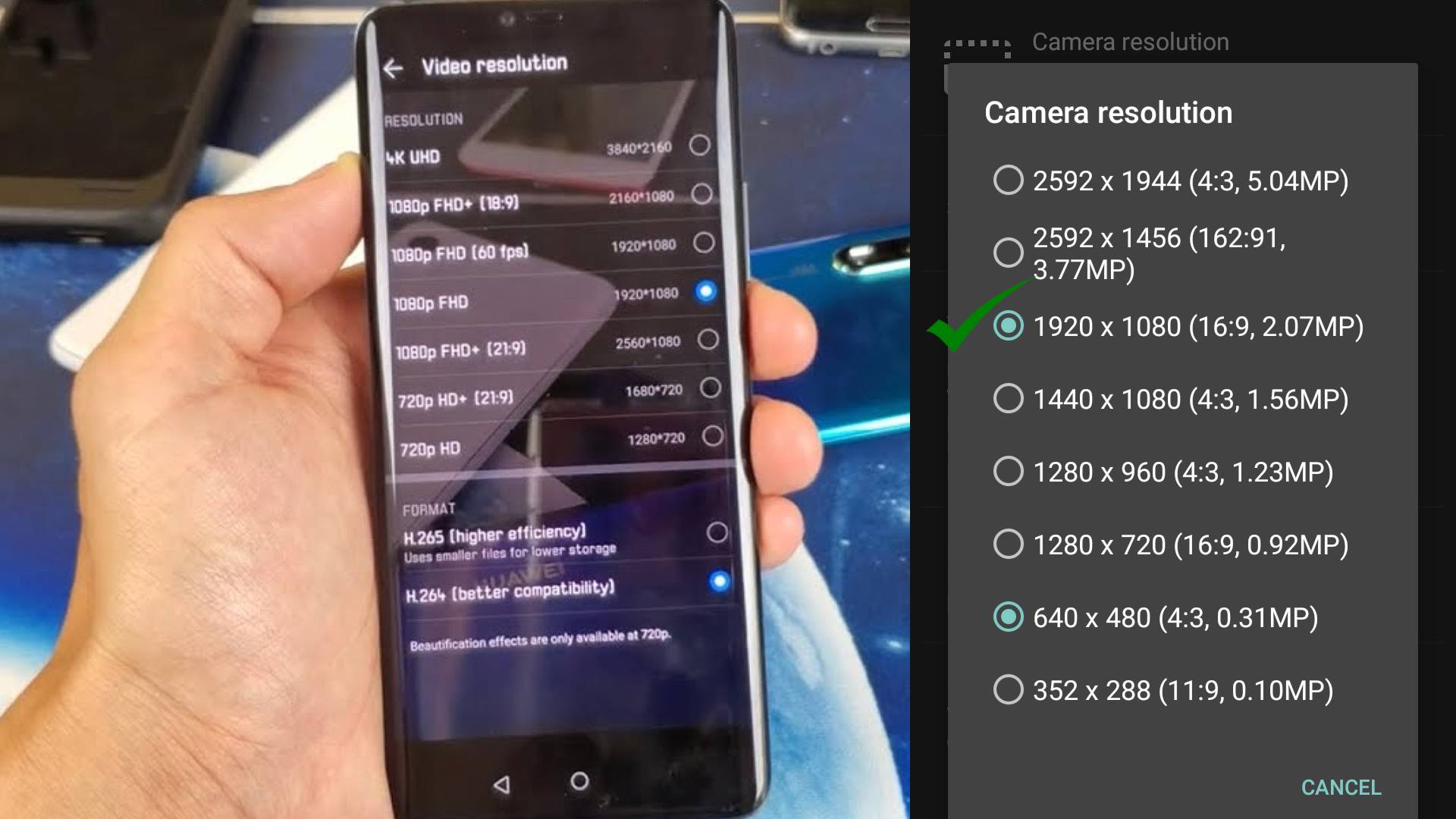
Often we blame the camera for its picture quality, while most of today's smartphones, even the inexpensive ones have a great capability to shoot very high-quality videos. Some even shoot 4K. Go to the camera settings on your smartphone and ensure that the video resolution is at least full HD quality 1920 x 1080. If you have a 4K, do that. Higher the better. If you
don't have those settings, just choose the best quality or superfine quality, or whatever your phone describes it. You may also install a camera app that can help you do that for you.
If you have a setting for anti-shake, turn that on. You make tweak the EXPOSURE setting if the lighting in the shoot location is poor. You may have other fancy settings that enhance the video. They normally do a good job of enhancing the video.
Use your visual judgment to decide. However, ensure that they don't bring down the quality of video resolution below the HD quality of 1920 x 1080
Use the back 9rear) camera since many smartphones have higher resolution for the rear camera. Also using the rear camera helps the videographer see the frame on the screen. However, if you are doing all this alone, ensure that the front
camera has at least full HD 1920 x 1080 pixels and is set to that resolution. No Frills - Don’t zoom the frame digitally.
Setting your smartphone camera resolution to 1920 x 1080
Select a Silent Location for the Shoot
A testimony is all about sound. You need a reasonably silent location such as a conference room, meeting room, because you may not have a wireless mic. However, if you don't find a silent location and the visibility of the mic is not important,
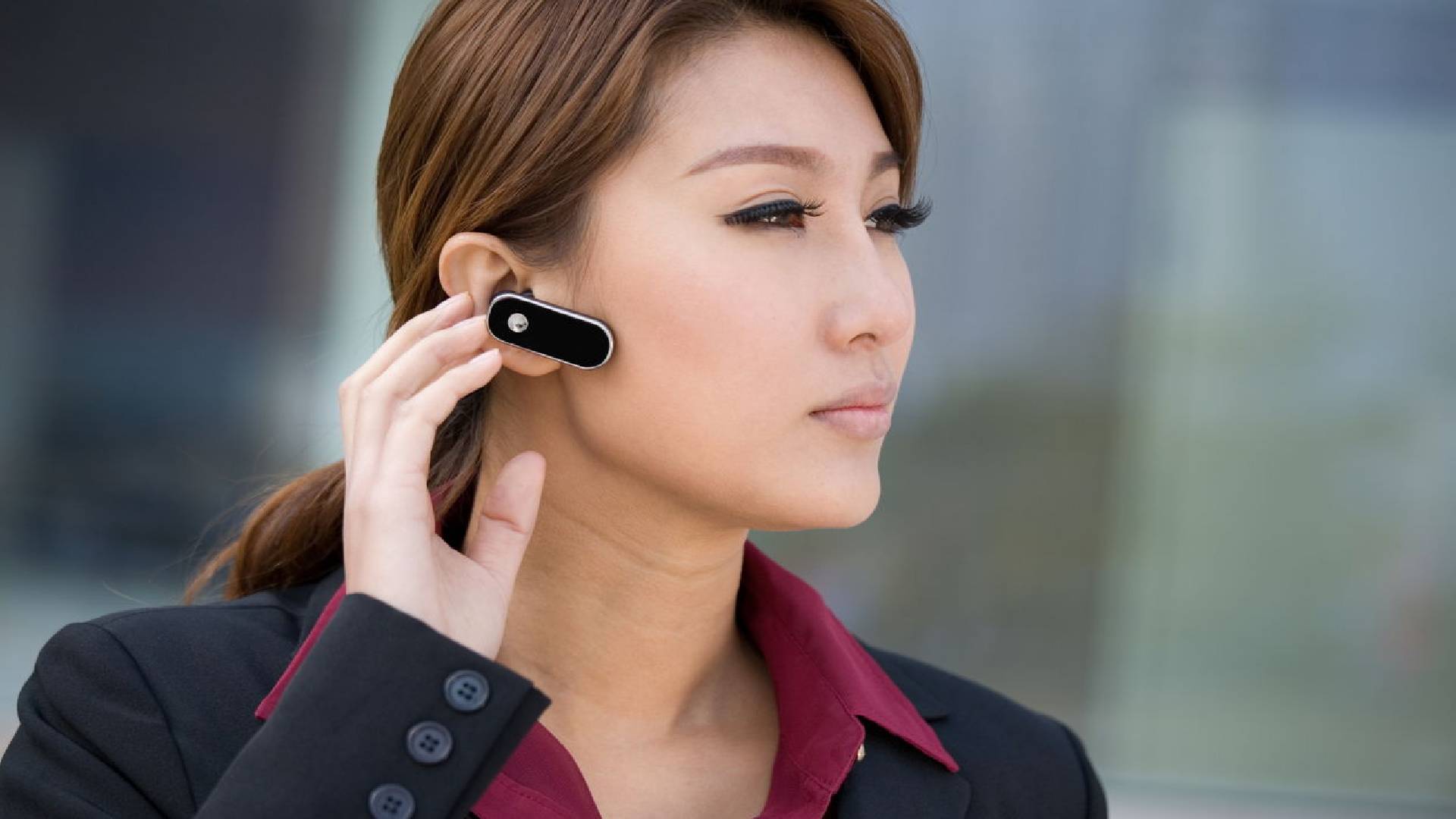
you may use a Bluetooth headset mic. If you have wired earphones with a built-in mic, you may use that provided the wire is long enough to go from near your mouth into the mic port of the smartphone. You don't have to plug the earphones into your
ears. Just tuck the earphones inside your collar so that the microphone is close to your mouth. However you have to hide all those wires coming from your body into the phone. That could get messy.
Use a Bluetooth Headset if possible to avoid external noise, as you will stand far from the smartphone
If you find a silent room, ensure that it does not echo. If you are not using a built-in mic of the smartphone, ensure that you speak louder than the ambient room sound. Don't speak from further than 4 feet from the smartphone. Switch off
fans, air conditioners and close all doors and windows for extra silence. Request people around to maintain silence for some time. People do cooperate in such times.
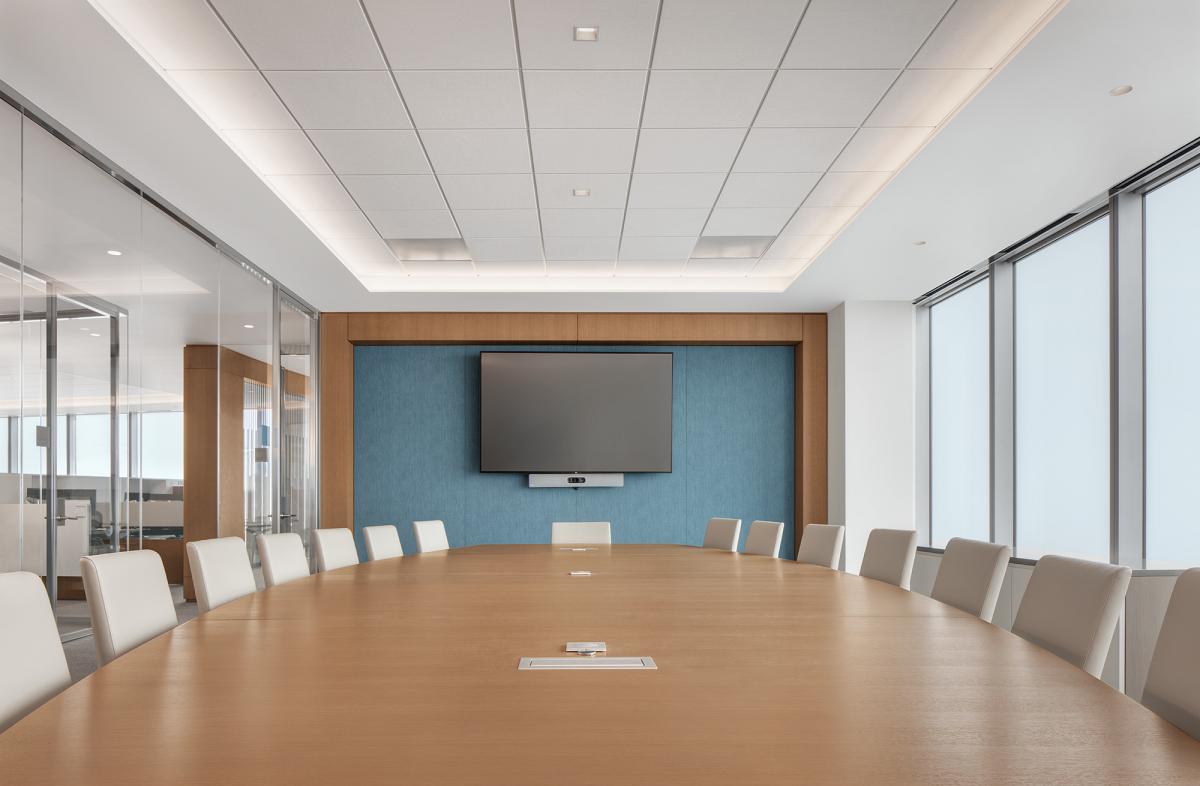
Meeting rooms are the best silent rooms
Ensure Bright Lighting
More than a camera, good lighting is the key to good videography. Find a location with a good source of bright light such as an open window. Open up all the window blinds in the room fully. Switch on all lights. The light should not fall on the camera.
For instance, if there is a window or a light behind the speaker, turn, 180 degrees. The talent or the speaker should face the light source so that ample light falls on his face and not on the camera. If light falls on the camera, shut that light source.
Ensure ample light on the subject.
Light should fall on face not on the camera.
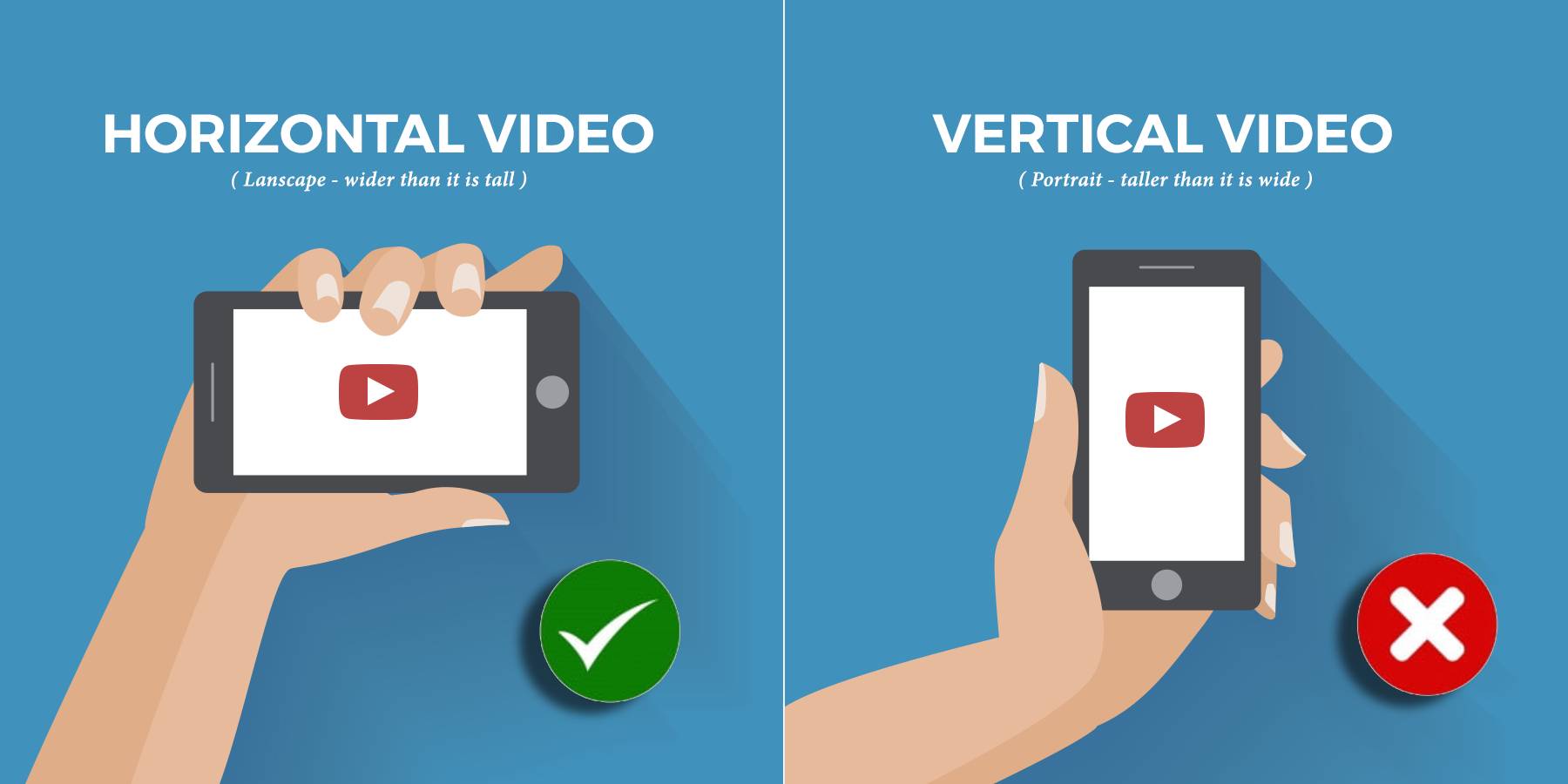
Keep the Phone Horizontal - Shoot Landscape
This is very important! Keep the smartphone horizontal (landscape) and NOT vertical (portrait). That's the way professionals use it in films. If you shoot vertical or portrait the editing production house will have a tough time fitting
the content in a horizontal production flow and the quality may be ruined.
Shoot Landscape, Not Portrait.
Keep it Steady
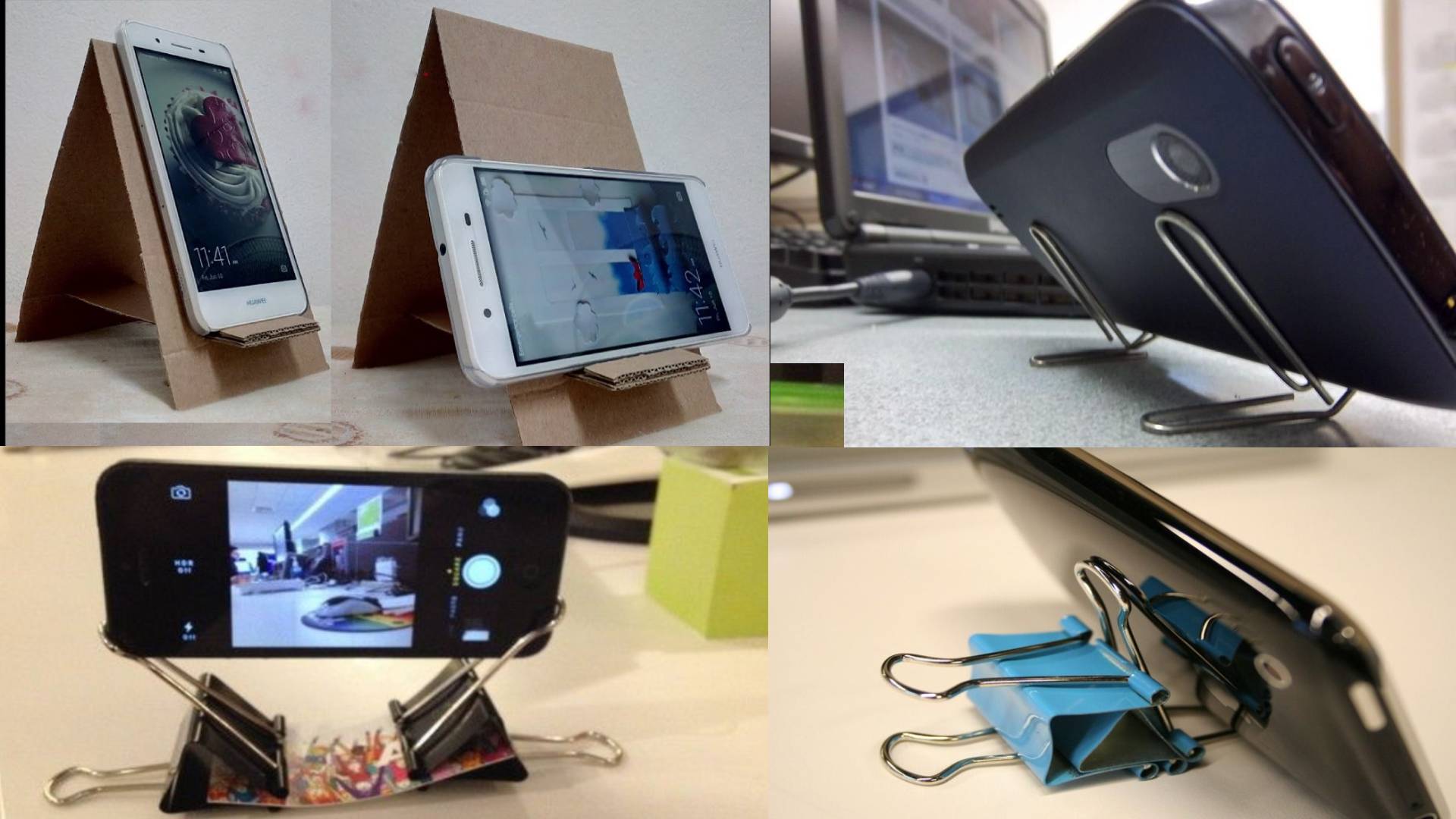
During the recording, the videographer should try not to shake much. This can be practiced for a minute or so. You may even turn on the ANTI SHAKE feature on the mobile’s camera app. However it would be best to use a stand, chair, desk, pedestal,
or ideally a tripod to smartphone mount to secure the smartphone to get a steady shot. You may set the angle by trapping the phone between books or any other stationery.
DIY ways to keep your smartphone steady
Make a Photogenic Frame
Frame the picture such that the talent is fully visible above the belt. Don't chop off the head! Keep some headroom above. Try to keep the subject in the center of the frame. Use simple backgrounds. You may use standees, branding at a distance behind the talent. NO direct light should fall on the camera to avoid glares. Shoot no more than 3 to 4 feet from the talent, since the smartphone microphone should pick up voice signal loud enough. Request everybody around to be silent.
At the same time ensure that the framing is proper as discussed before.
Makeup and Dressing
Request the talent to wash his or her face using a face wash) and subsequently, wipe to avoid any oiliness and to look fresh. Formal dresses never go wrong. It makes the shot look professional. Remove any things inside the pockets. Puffed up or sagging pockets are visible to the camera and look awful!
Practice Makes Perfect
Rehearse a few shots till the videographer and the talent become thorough.
Take Small Shots
Never mind if the talent makes mistakes. You can record as many shots as possible. Record small sentences. We will fix and join all the shots during the edit. Smaller files also help to manage or delete unwanted takes and send the right files.
Speak Naturally
The talent should not look into a book or paper to read. Rehearse small sentences Frame them in the mind and then speak. Ask the videographer to start recording, frame the sentence in mind, and then speak. The delay is OK. Dont try to fake accents or a
style. Be yourself. That works the best.
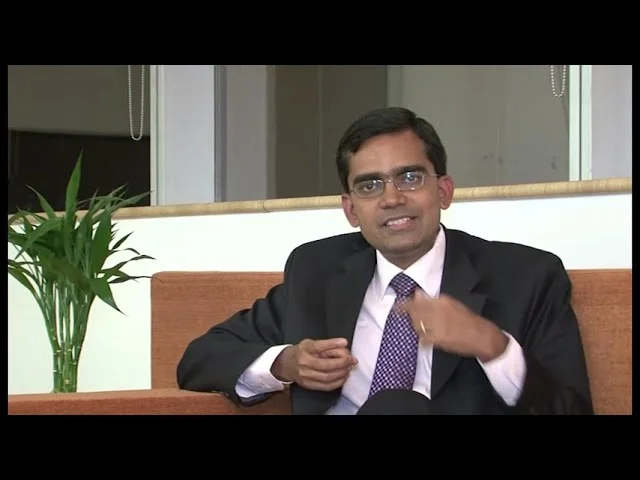
Testimonial Shoot with Aditya Puri, MD, Hdfc Bank
Speak or Read
If taking cues from a sheet of paper, don’t speak while looking into the paper. While speaking, look only into the camera. Turn your head towards the paper only before and after the speaking. Not even for a while during speaking. The camera
sees everything; Even a cock-eyed look into the paper is visible.
Do Not Haste
Press the record button, ensure that the smartphone is steady, and only then request the talent to speak. After the speaking is over, wait for a second and then press the stop button.
Save the Best Quality
Always save the videos in the best (superfine) quality.
Review Your Recordings
Ensure that all words are clearly spoken. If not, delete the file and do a retake.
Selfie Mode
If recording all by yourself you may use the above principles for a selfie video. You may need to rest the mobile against some books etc.
Send the Best Quality
Don’t send the videos by WhatsApp. WhatsApp compresses and distorts the video quality. Copy them onto Google Drive or Dropbox or whatever is available on the phone and email the link. If at all you have to send by WhatsApp, send as a WhatsApp document.
Even if a few of the above tips are adhered to, you can creating stunning videos from your smartphone.
Examples of Testimonial Videos
Shikhar | Lean Process Testimony Video | Leader Speaks | Jairam Sridharan, CFO: Axis Bank
Axis Bank Shikhar | Lean Process Testimony Video | Leader Speaks | Jairam Sridharan, CFO
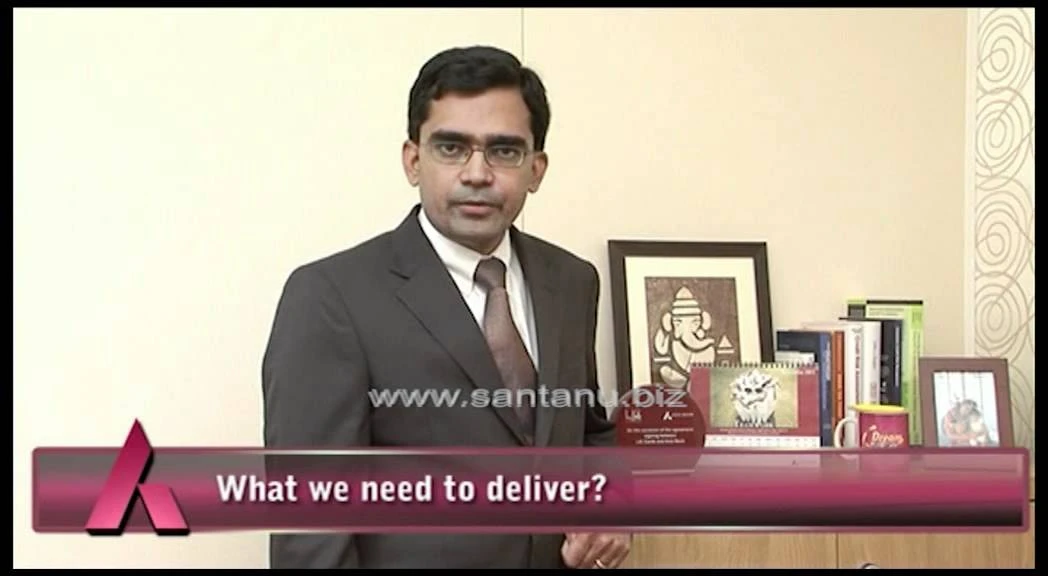
As Axis Bank accelerated its retail assets growth ambitions, the organisation launched Shikhar, a large-scale lean transformation initiative designed to build a sustainable operational platform for future expansion. Santanu Productions produced this leadership #testimonial video featuring CFO Jairam Sridharan to communicate the vision, align teams, and drive adoption across the retail assets ecosy…
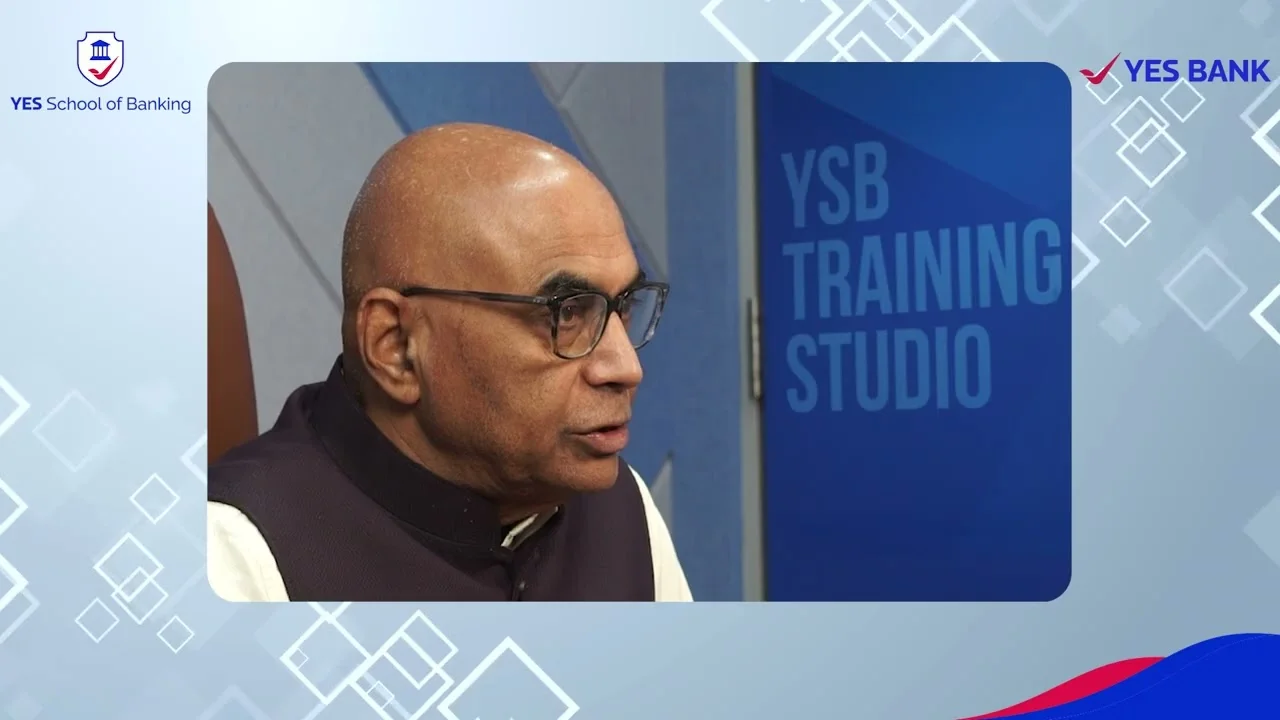
Leadership Development Program | MD Testimonial Video : Yes Bank
Yes Bank Leadership Development Program | MD Testimonial Video
A leadership message carries greater value when it aligns culture, strategy, and organizational direction. This executive #testimonial film for Yes Bank transformed a formal welcome address into a powerful internal communication asset, reinforcing leadership values, celebrating institutional resilience, and inspiring senior managers participating in the bank's Executive Leadership Development Prog…
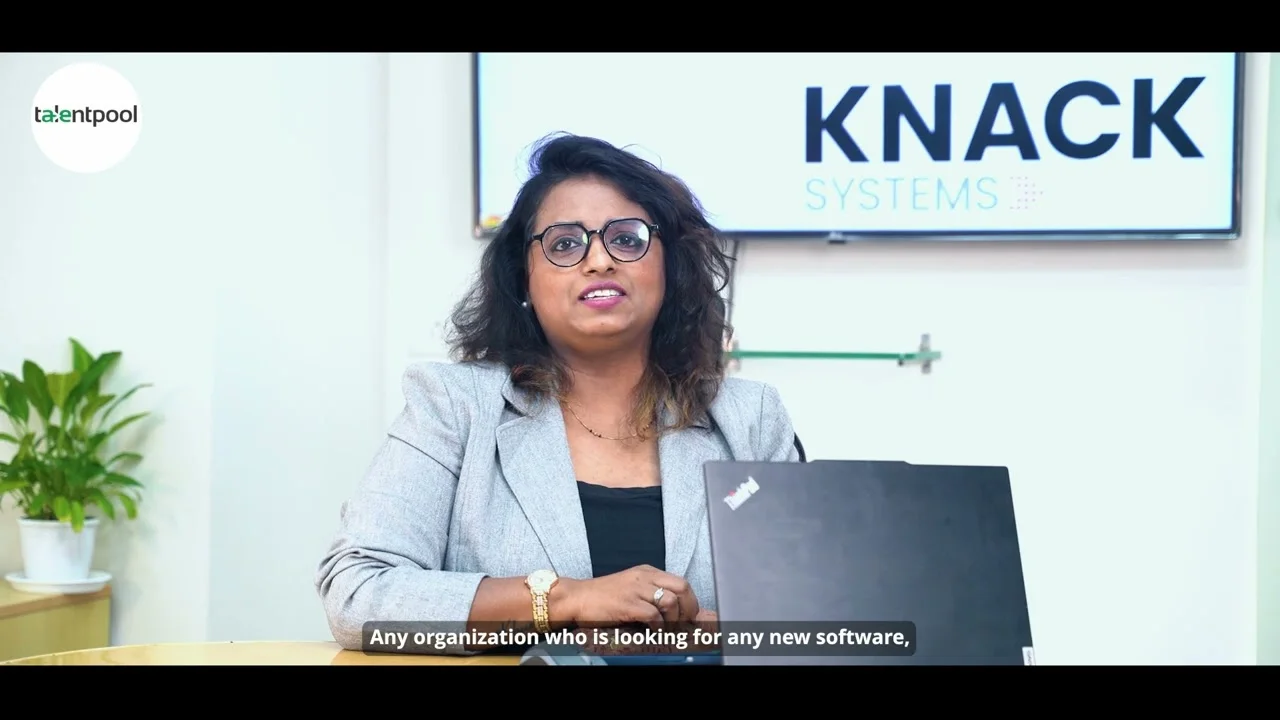
Corporate Testimonial Video for Recruitment Transformation: Talent Pool
Talent Pool Corporate Testimonial Video for Recruitment Transformation
A concise yet powerful customer #testimonial video capturing measurable recruitment outcomes achieved through Talent Pool's ATS platform. Produced for B2B decision-makers and talent acquisition leaders, the film demonstrates how intuitive recruitment technology can reduce hiring timelines, lower sourcing costs, improve collaboration, and strengthen workforce quality through data-driven hiring proc…
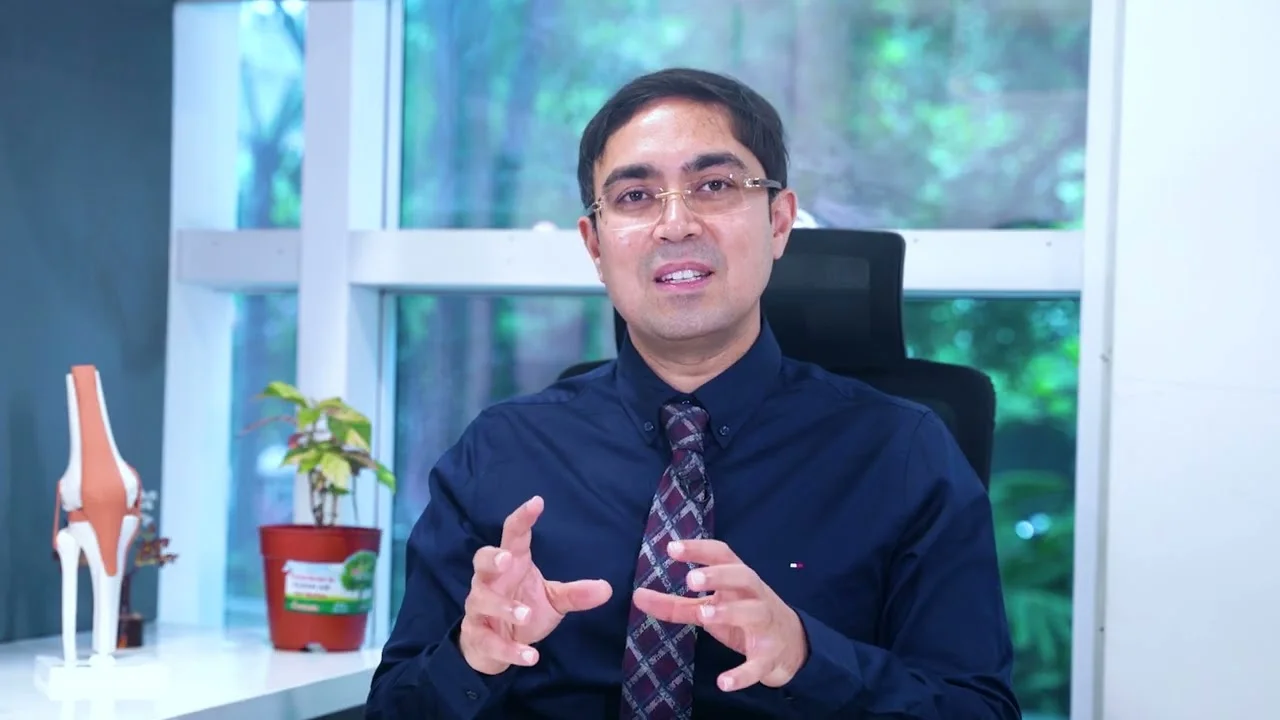
Evolution® Medial-Pivot Knee Replacement | Doctor Testimonial : Microport
Microport Evolution® Medial-Pivot Knee Replacement | Doctor Testimonial
A high-impact medical awareness film developed for Microport featuring Medial-Pivot Knee System with NiTRX® from Aster Hospital Bangalore. The video simplifies advanced knee replacement science, highlighting the Evolution® Medial-Pivot Knee System with NiTRX® bearing, designed to restore natural motion and improve patient outcomes. Built for patient education and clinical trust-building in #ort…
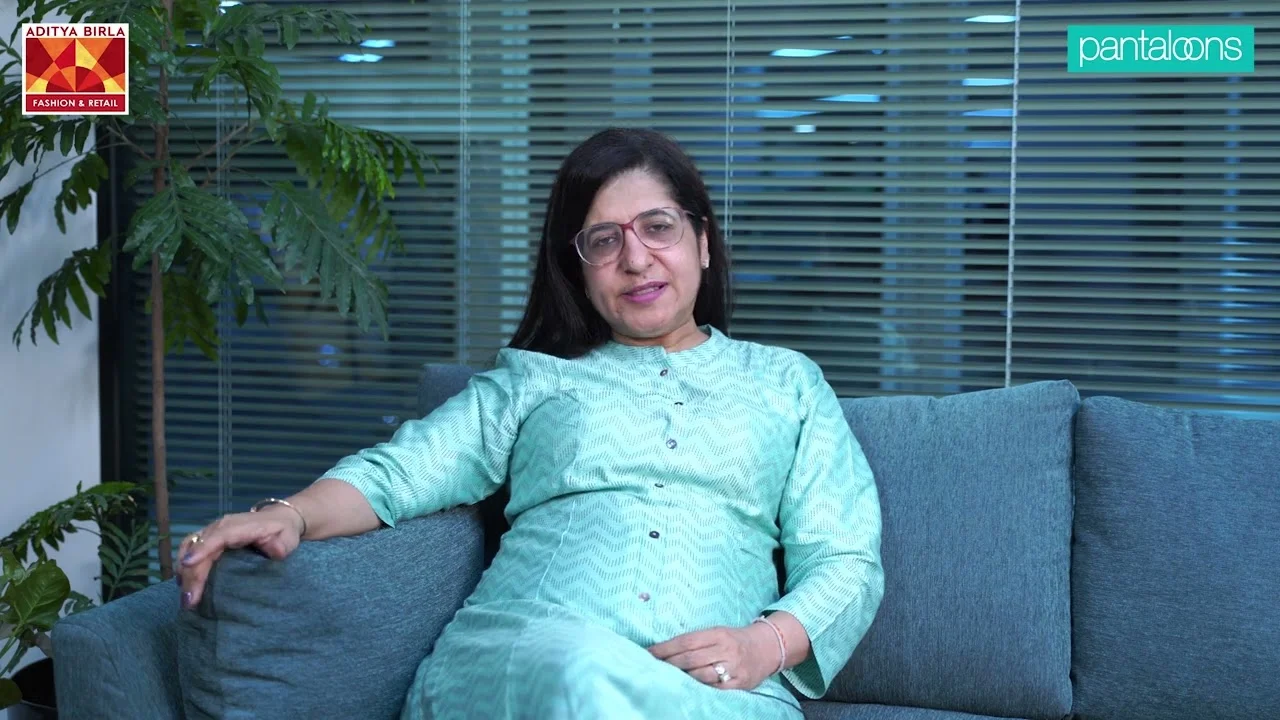
Corporate Testimonial Shoot | CEO Bite | Employee Day : Pantaloons
Pantaloons Corporate Testimonial Shoot | CEO Bite | Employee Day
A heartfelt leadership #testimonial from Pantaloons CEO Sangeeta Pednekar and COO Sandeep Pal, crafted into a warm, professional audiovisual for Retail Employee Day 2021. This film blends authenticity, strong storytelling and premium production to celebrate the people who keep retail moving. A must-watch for brands seeking impactful corporate videos.…
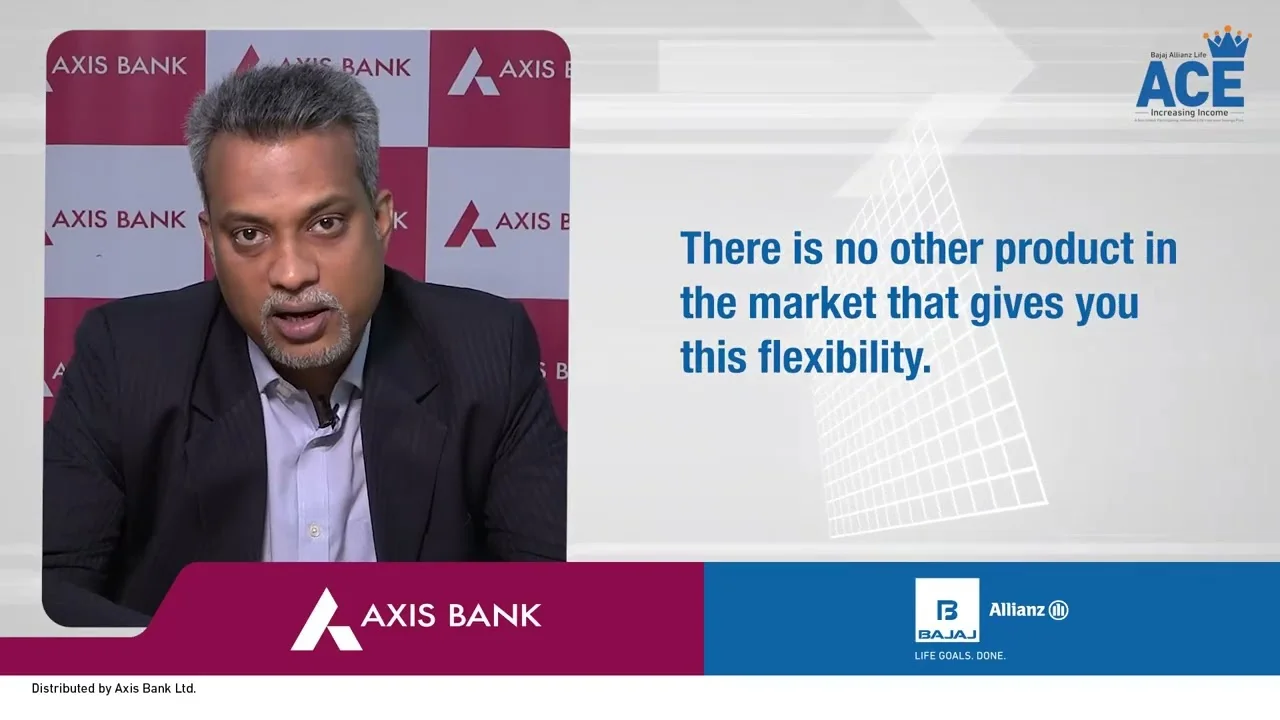
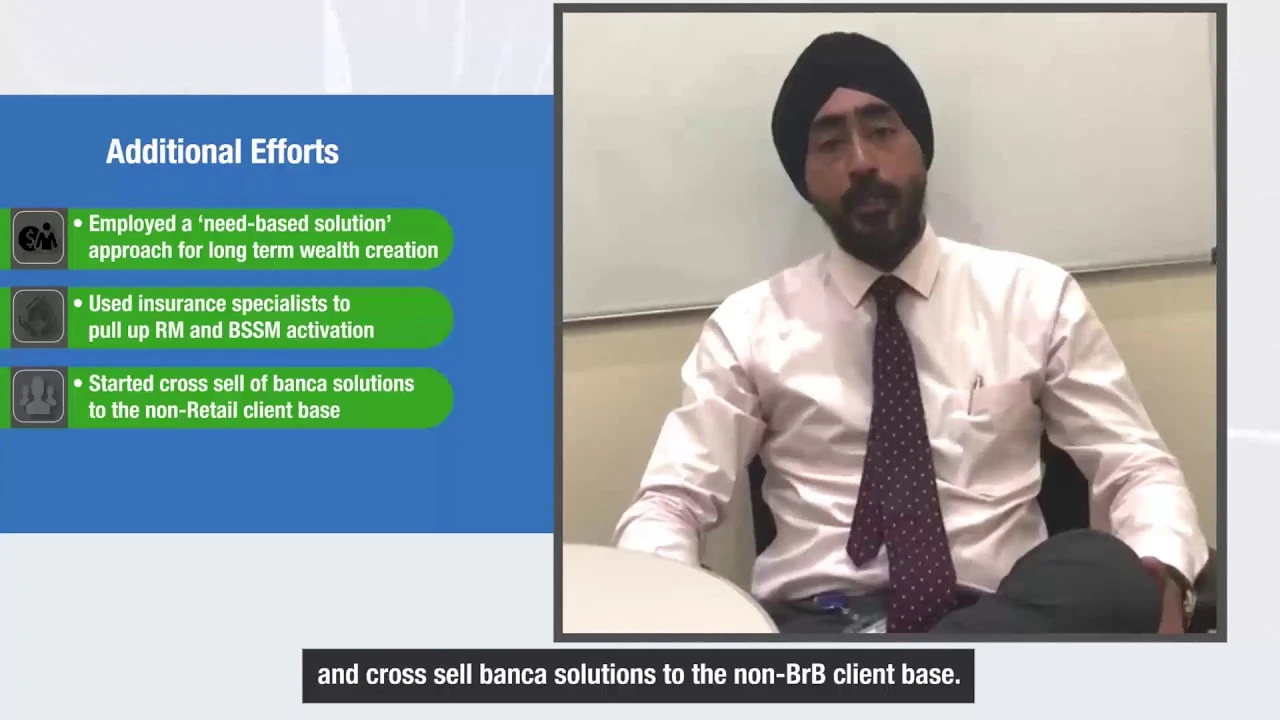
A top management testimonial video for Bajaj Allianz, crafted to explain key product features and inspire internal teams. From shoot to final delivery, we handled complete production—editing, graphics, and subtitling—creating a high-impact AV used for internal communication and team motivation across the company.…
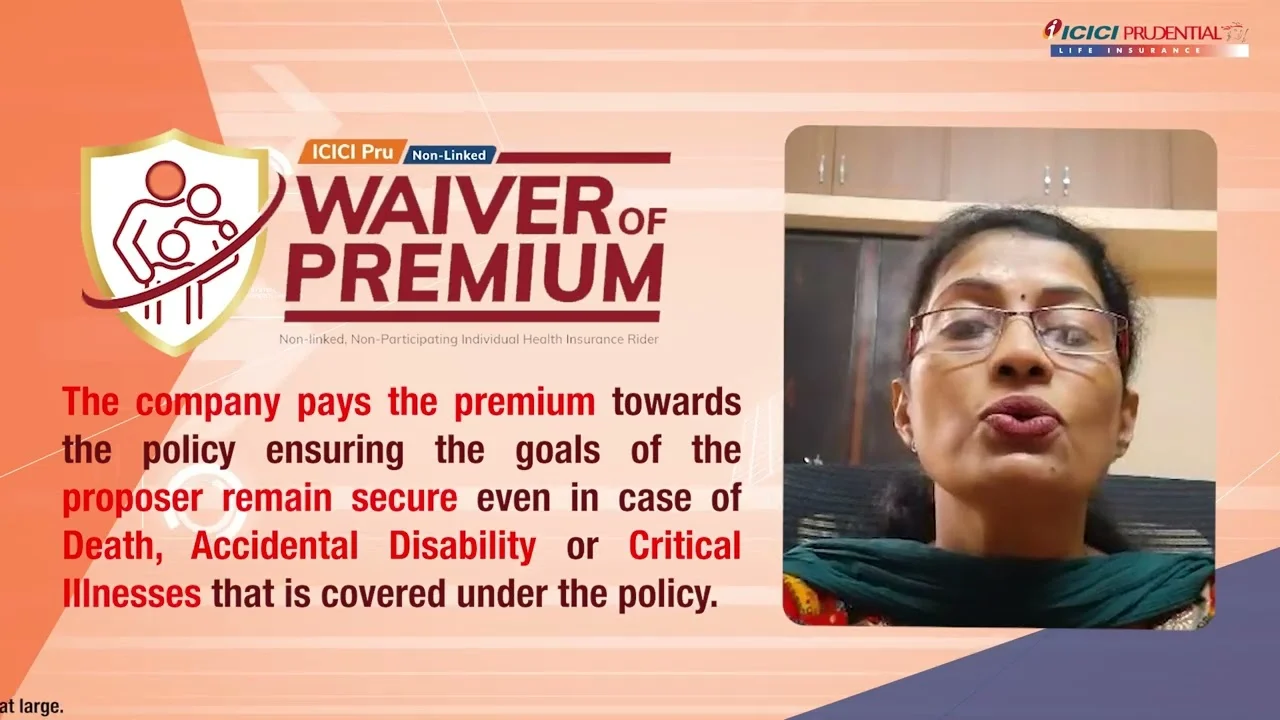
#testimony #testimonial #iprulife
Audiovisual created by Santanu Productions - A Premium Corporate Video Maker in Mumbai. For more information please visit - https://www.santanu.biz or email us at mail@santanu.biz…
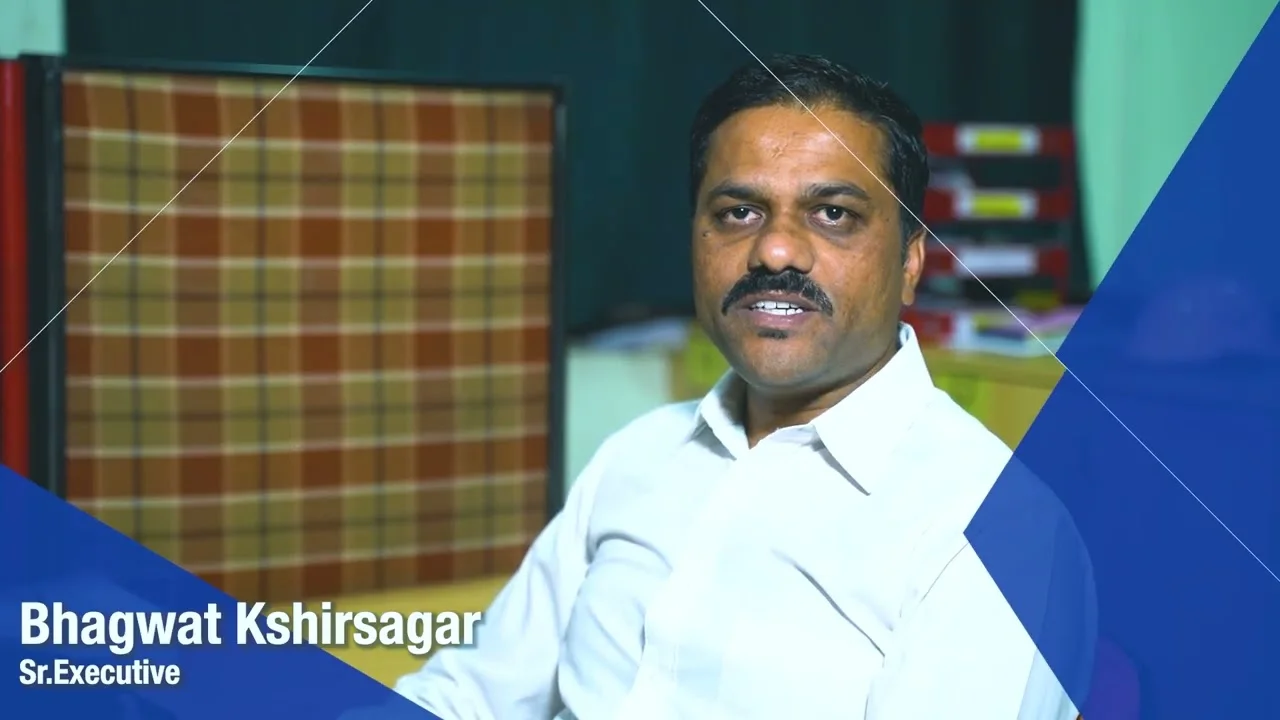
Employee Testimony Video | Bhagwat Kshirsagar: Nirmal Industries
Nirmal Industries Employee Testimony Video | Bhagwat Kshirsagar
Audiovisual created by Santanu Productions - A Premium Corporate Video Maker in Mumbai. For more information please visit - https://www.santanu.biz or email us at mail@santanu.biz…
Celebrating Axis Finance's landmark achievement of ₹10,000 crores in collections, this corporate video captures the pride, performance, and passion behind the numbers. Featuring real employee testimonies, core business strengths, and data-driven infographics, the film reflects the brand’s credibility, growth journey, and client trust.…
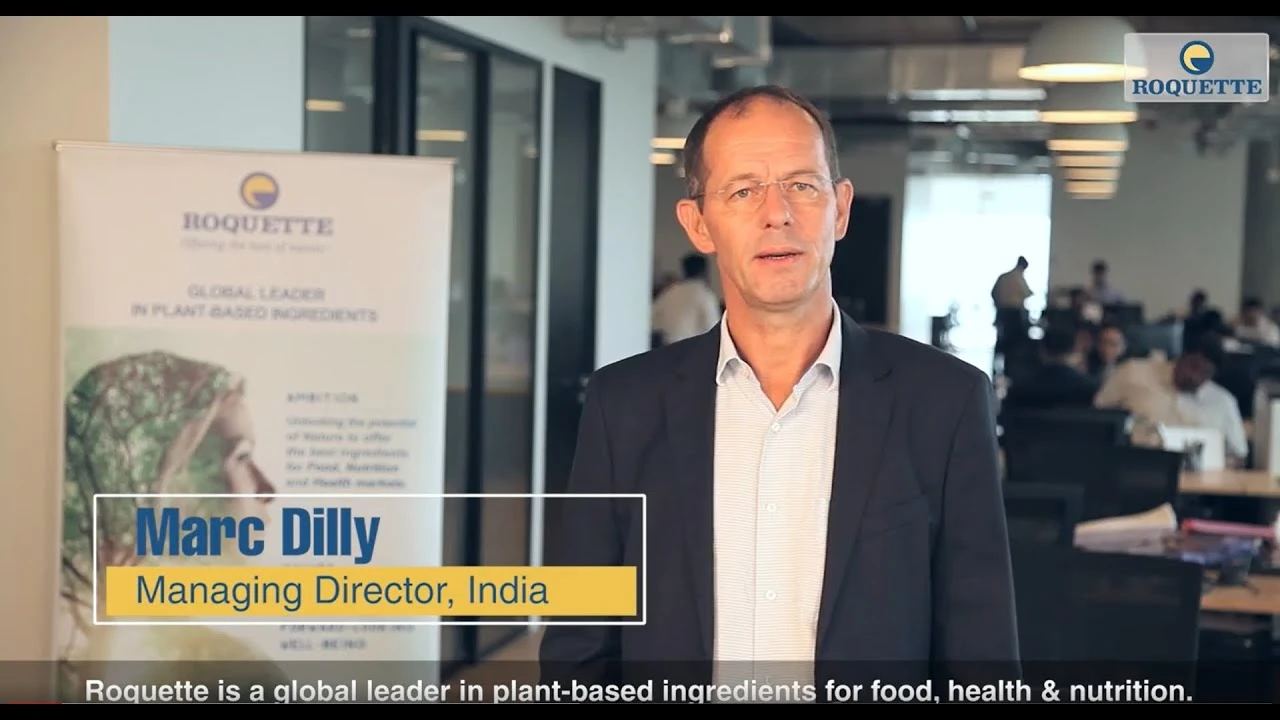
This was our first testimonial shoot with Mark, the MD of Roquette India. What started as a testimonial video, our value addition of shooting different angles with multi-camera setup, ample B-Roll footage and editing with sub-titling, color-correction impressed our clients. We are now regular videography partners with Roquette with many audiovisual made for them.…
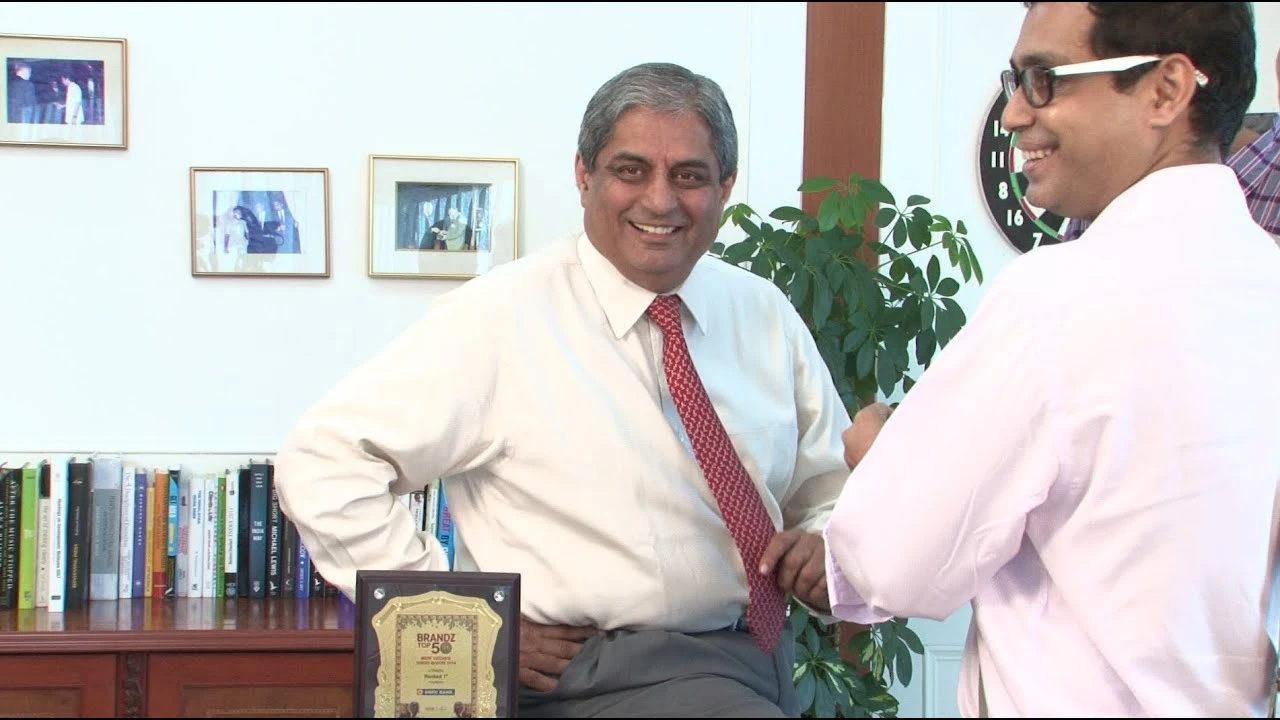
Corporate Leadership Interview & Brand Film Mumbai | Testimonial Video MD Aditya Puri : HDFC Bank
HDFC Bank Corporate Leadership Interview & Brand Film Mumbai | Testimonial Video MD Aditya Puri
A same-day #Testimonial shoot with one of India’s most respected banking leaders took place immediately after HDFC Bank was recognized as India’s Most Valuable Brand. With no rehearsal, no retakes, and a tightly controlled corporate environment, the challenge was to capture clarity under pressure—while preserving authenticity at the highest executive level.…
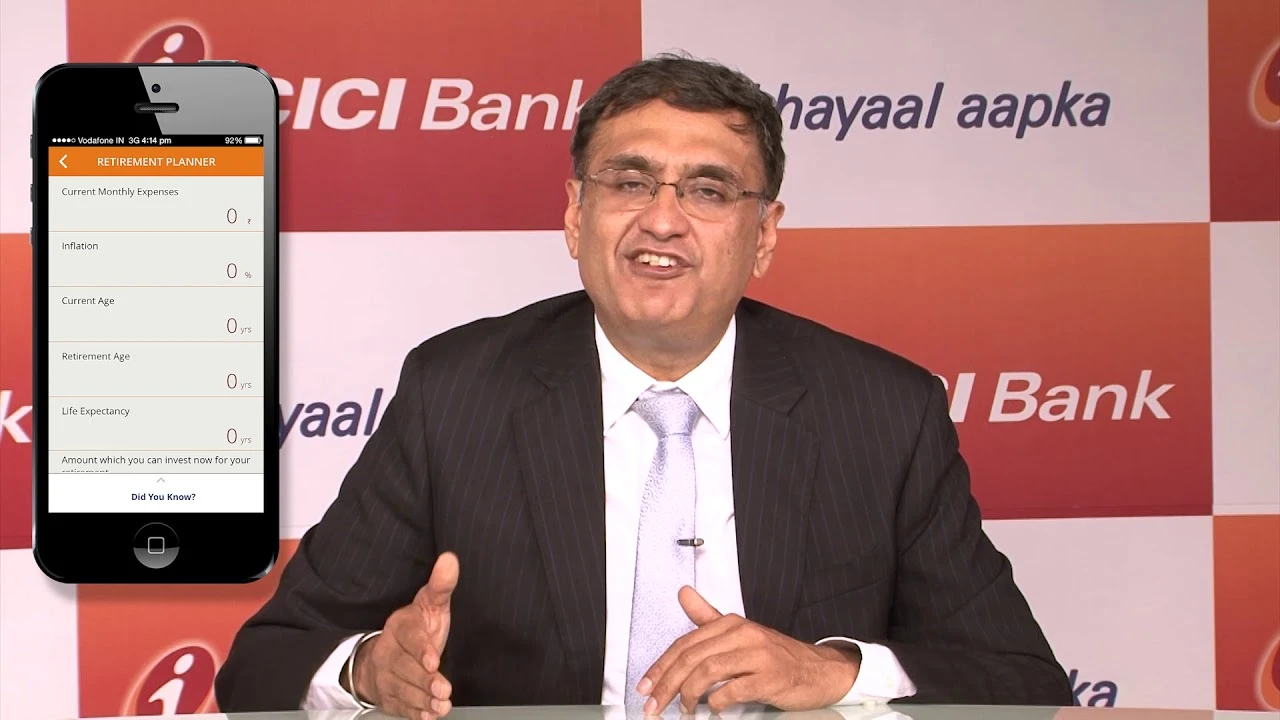
#IPRUAMC #icicibank
Audiovisual created by Santanu Productions - A Premium Corporate Video Maker in Mumbai. For more information please visit - https://www.santanu.biz or email us at mail@santanu.biz…
Audiovisual created by Santanu Productions - A Premium Corporate Video Maker in Mumbai. For more information please visit - https://www.santanu.biz or email us at mail@santanu.biz…
Audiovisual created by Santanu Productions - A Premium Corporate Video Maker in Mumbai. For more information please visit - https://www.santanu.biz or email us at mail@santanu.biz…
Audiovisual created by Santanu Productions - A Premium Corporate Video Maker in Mumbai. For more information please visit - https://www.santanu.biz or email us at mail@santanu.biz…
Insurance Sales Enablement Video Production : IDFC First Bank & Bajaj Allianz Life Insurance
IDFC First Bank & Bajaj Allianz Life Insurance Insurance Sales Enablement Video Production
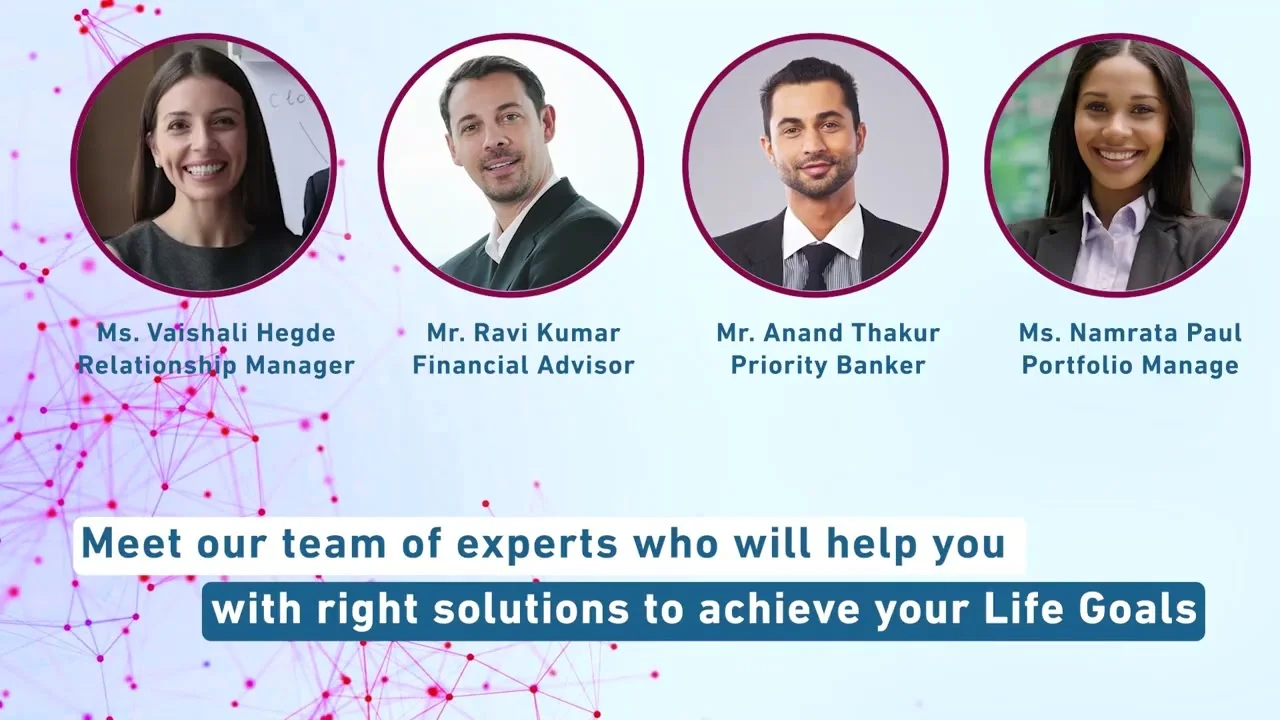
Discover how a personalized insurance sales enablement video campaign transformed relationship managers into trusted financial advisors by combining profile videos, customer-centric messaging, and branch-level engagement. See how strategic video production can strengthen customer trust, improve lead generation, and support insurance sales across banking networks.…
We have marketing executives based across key business zones in Mumbai and Thane, including Andheri, Powai, Lower Parel, Chembur, Mulund, Navi Mumbai and Tardeo. This allows us to connect quickly with local businesses, understand on-ground requirements, and support corporate video production with direct, in-person collaboration wherever needed. We also work with clients across Maharashtra, Gujarat, and other regions in India.